Check Work
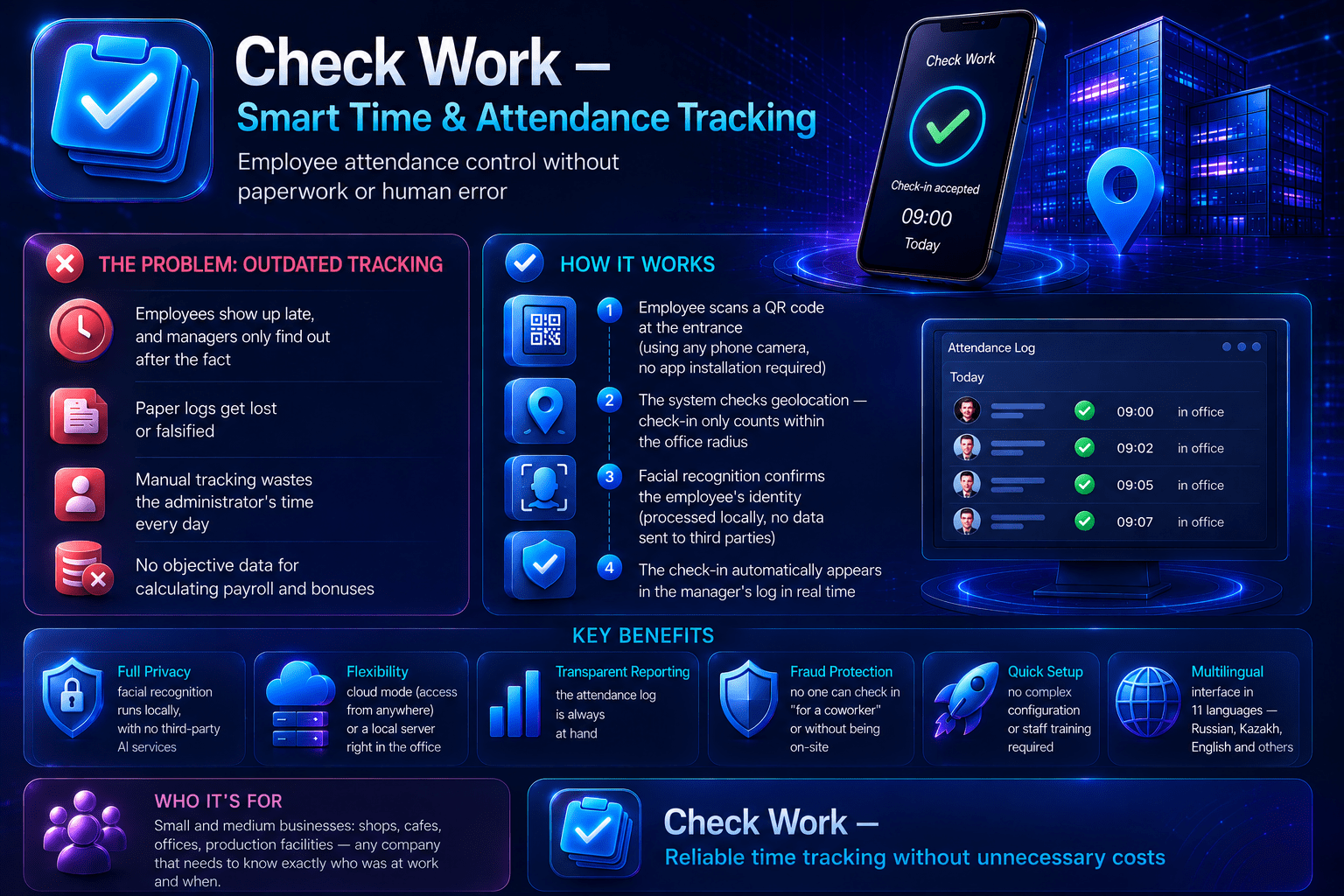
Check Work is a complete employee attendance tracking system combining QR code check-in, GPS geofencing, and AI-powered face recognition with liveness detection to prevent buddy-punching.
Built with Node.js, Express, and better-sqlite3, the system works both online and offline, automatically syncing records once connection returns. It includes automated worked-hours calculation, timesheet generation, and Excel export.
The package includes a ready-made Android app (APK) using a WebView wrapper, a full admin panel with self-service password management, and an 11-language interface (Russian, Kazakh, English, German, Spanish, Turkish, Hebrew, Chinese, Japanese, French, Dutch).
Detailed step-by-step installation documentation is included in both Russian and English, making this accessible even for buyers with limited technical experience. The system is designed to be self-hosted, giving businesses full ownership of their data without recurring subscription fees.
Ideal for small and medium businesses, offices, retail locations, or warehouses that need a reliable, fraud-resistant attendance solution without paying per-employee monthly fees.
StackTechnology used
Next.jsNode.jsPostgreSQLStripeTailwind
IncludedWhat comes with the purchase
✓- Dynamic and static QR code check-in/check-out
✓- GPS geofencing — restrict check-ins to actual workplace location
✓- AI face recognition with liveness detection (anti-fraud)
✓- Offline mode with automatic sync when connection returns
✓- Automated worked-hours calculation with 4 event types
✓- Excel timesheet export
✓- 11-language interface (RU, KZ, EN, DE, ES, TR, HE, ZH, JA, FR, NL)
✓- Ready-made Android app (APK) included
✓- Self-service admin password change
✓- Detailed installation guide in Russian and English
What is not part of the base price
—1. Extract the downloaded archive
—2. Run "npm install" to install dependencies
—3. Configure your .env file with your Groq API key and other settings
—4. Run "node server.js" to start the application locally, or deploy to your preferred hosting platform
—5. Access the admin panel to add employees and configure QR codes
—6. Full step-by-step documentation (Russian and English) is included in the package for detailed setup